教程
 ·
2026-04-20
·
2026-04-20
如何开启Google账号的2FA验证

- 登录账号
- 打开链接 👉 https://myaccount.google.com/signinoptions/twosv
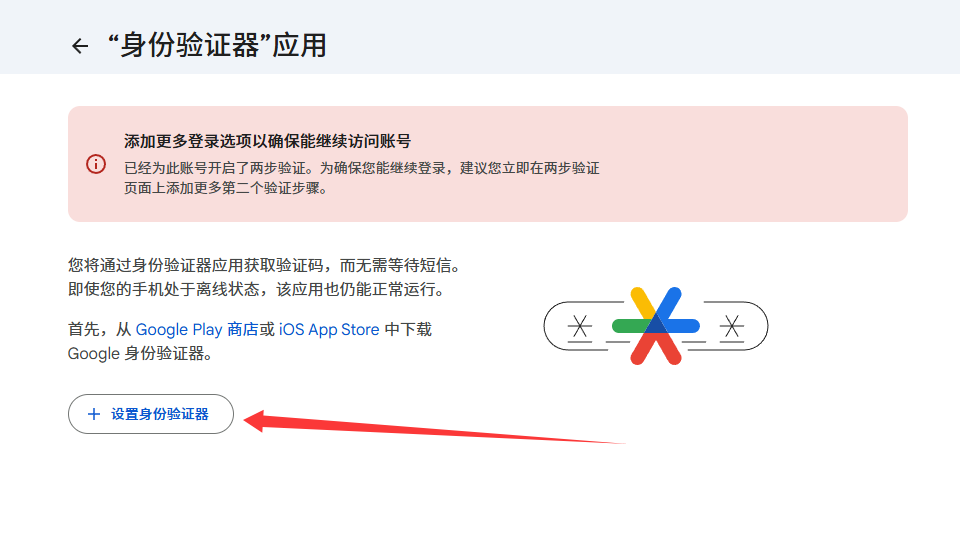
- 点击(身份验证器)

- 点击(设置身份验证器)
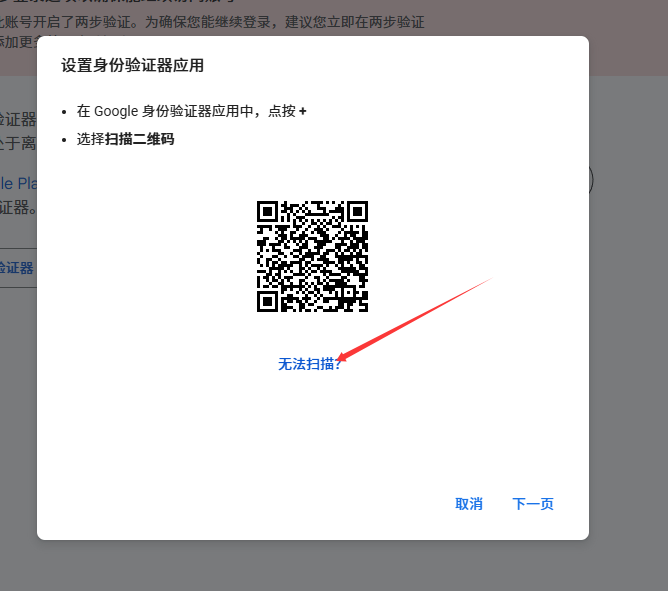
- 点击(无法扫描)
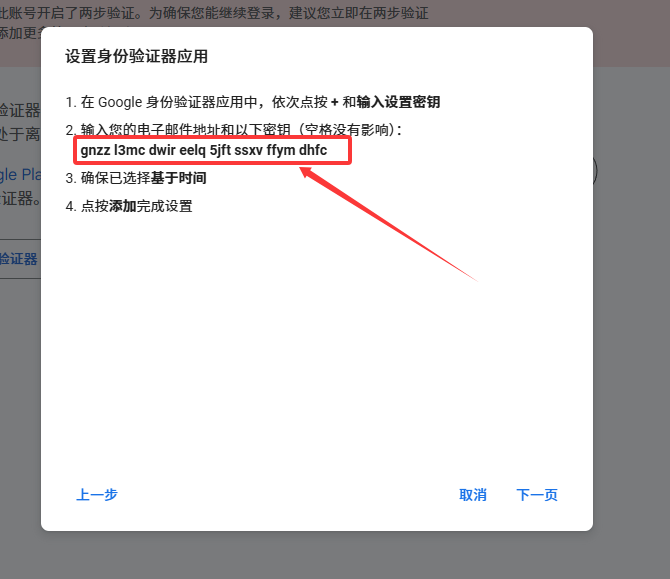
- 把密钥复制下来(xxxx xxxx xxxx xxxx xxxx xxxx xxxx)然后点击(下一步)
- 打开链接 👉 https://totp.danhersam.com/ 并把密钥粘贴到(Your Secret Key)框里
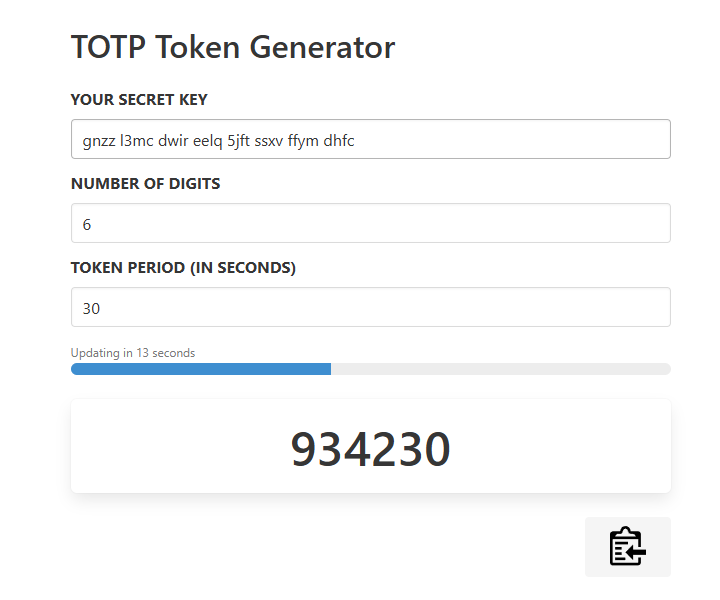
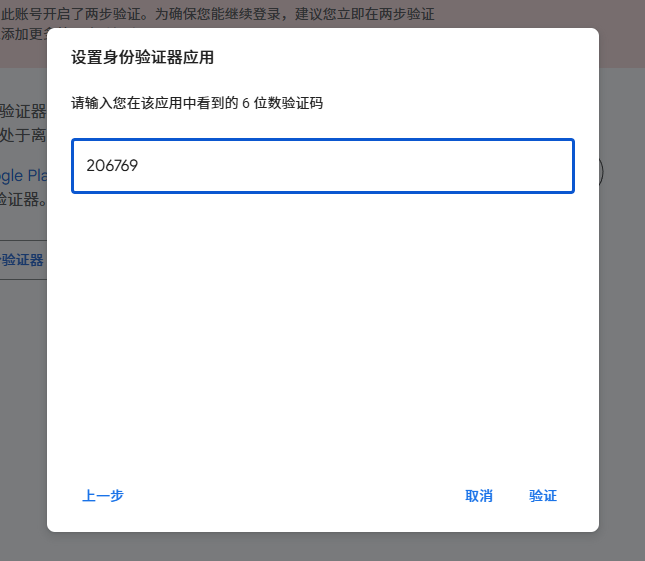
- 把验证码复制粘贴进去设置身份验证器里面并点击(验证)按钮
- 打开https://myaccount.google.com/signinoptions/twosv,点击下方的(开启两步验证)
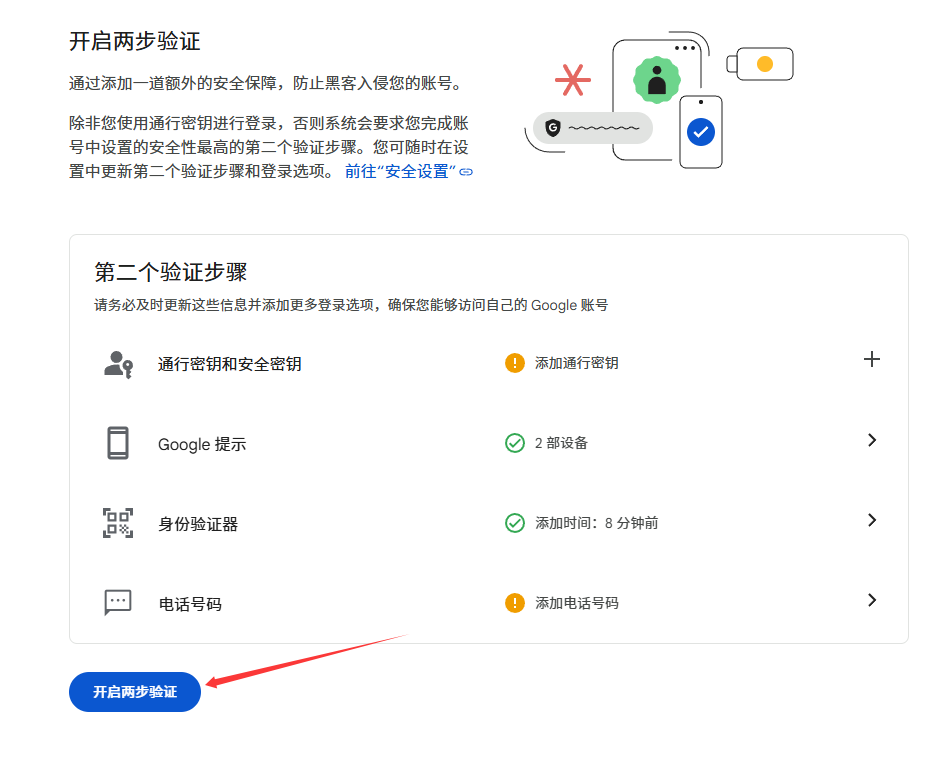
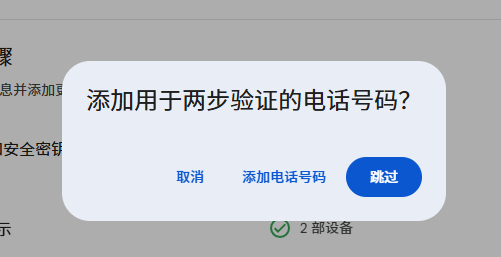
- 如果要求添加两步验证的号码吗?点击(跳过)